RUSCH Application Process
Thank you for your interest in applying for the Rural and Urban Scholars in Community Health (RUSCH). To begin, you should establish an account through the School of Medicine and Public Health’s application portal and select the RUSCH program application.
Students are required to submit:
- Resume or CV, which should include all employment, leadership and service activities since high school
- Written responses to essay questions (one page single spaced per essay)
- Unofficial undergraduate school transcript(s)
- Two people (academic and personal) who will serve as references
Please see the application portal for more detailed information about the application, including deadlines. The online application opens in November and is due in January each year.
What We Look For
Selection for RUSCH is competitive. Criteria for selection include demonstrated community service commitment, student academic performance and interest in urban or rural underserved medical practice.
Qualifications for consideration for RUSCH include:
- U.S. citizen, permanent resident, DACA, refugee and asylee
- Enrolled undergraduate student at any campus within the Universities of Wisconsin system, as well as students interested in serving tribal communities
- At least sophomore standing and two years remaining before graduation
- Desire to become a physician addressing health care needs in a medically underserved area (rural, urban, tribal communities)
- Demonstrated commitment to community service
- Completion of introductory courses in English, math, and 10 credits of biological sciences or chemistry courses, with a minimum grade of “B” in each course at the time of application
- Minimum science and overall GPA of 3.0
- First summer: available to participate in the summer community health internship in local communities (eight-week program, full-time 40 hours/week, on-site in rural and urban communities across Wisconsin, during June and July)
- Academic year: available to participate in required monthly enrichment sessions after summer one (once a month from September–May)
- Second summer: available to participate in the summer research program in Madison (eight-week residential program, full-time 40 hours/week, during June and July)
Participants
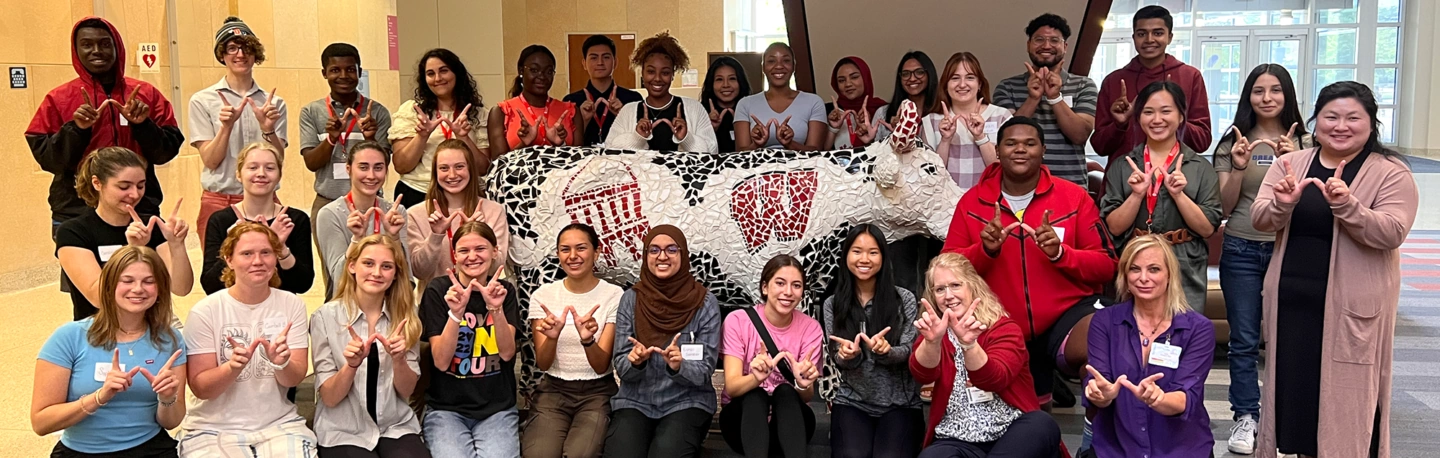
Typically 10-15 students participate in each RUSCH cohort. More than 100 students have been selected to participate in the program since the program began in 2009.
Learning Objectives
RUSCH offers selected students the opportunity to:
- Increase exposure to and expand knowledge of careers in medicine
- Work side by side with current UW School of Medicine and Public Health physicians, faculty and medical students
- Participate in community health improvement projects
- Conduct medical or public health research
- Participate in experiences that will develop knowledge, skills and attitudes to strengthen application to medical school
- Personalized pre-health timeline planning